How it works
Install it once. Every app you build is protected.
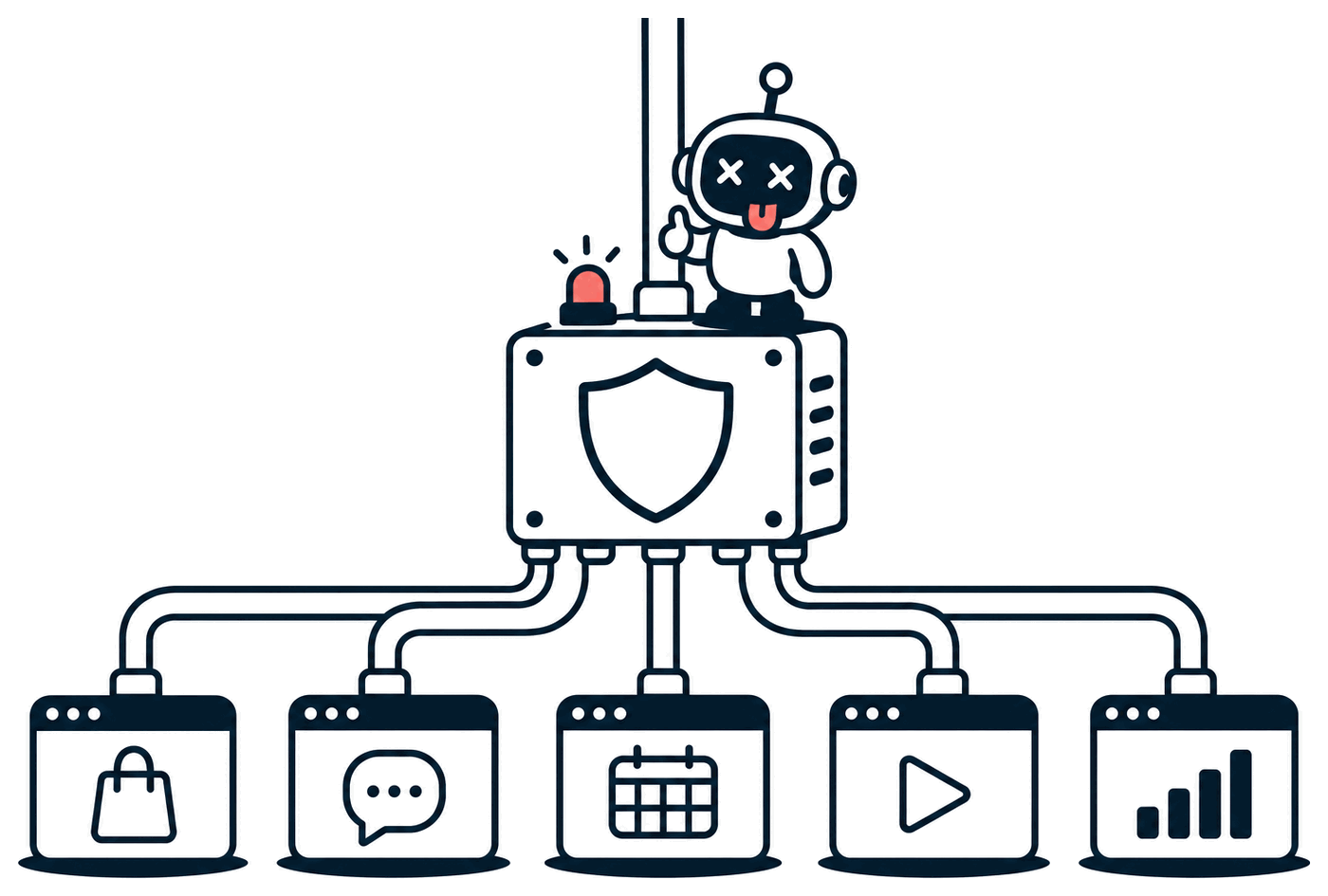
NiceTryBot was built to fight cyber attacks and reduce fraud. You install it one time, on one server, and it protects and monitors all of your applications: the ones you have now and the ones you build next.
You do not add code to your apps, and it does not matter what language, framework or AI tool you used to build them.
What it is, in one paragraph
The main part of NiceTryBot is Nice Edge. Nice Edge is a program that sits between the internet and your applications. Every visit to any of your apps reaches Nice Edge first. Nice Edge writes down what arrived, works out whether it came from a person or from an automated program (a "bot"), and then either passes it on to your app or sends it somewhere else. Your apps keep running exactly as they do now.
The technical name for a program that sits in front of other programs like this is a reverse proxy.
Why apps built quickly need it most
When you build fast, with AI tools or without, some protections are easy to miss. Automated programs look for exactly those gaps, on every new website, all day.
Secret files left reachable
Files such as .env hold passwords and API keys. If a server is set up slightly wrong, anyone who asks for the file receives it. Nice Edge stops those requests before they reach your app.
Fake sign-ups that cost you money
If your app gives new accounts free use of a paid service, such as an AI model, programs create thousands of accounts to use it. You pay the bill. Nice Edge recognises the program behind the accounts.
Login pages tried over and over
Programs try lists of leaked email addresses and passwords against every login page they find. Nice Edge notices the pattern and slows the program down until it stops.
One-time setup
Three steps, done once
-
1
Install NiceTryBot on one server.
One server you control runs both Nice Edge and the control panel, where you see everything and change settings.
-
2
Add each app in the control panel.
Type the app's domain name (for example shop.example.com) and the address where the app runs today.
-
3
Point each domain at Nice Edge.
At the company where you bought the domain, change its DNS record. A DNS record is the setting that tells browsers which server to go to. Before you change it, you can try your app through a free preview address to make sure everything works.
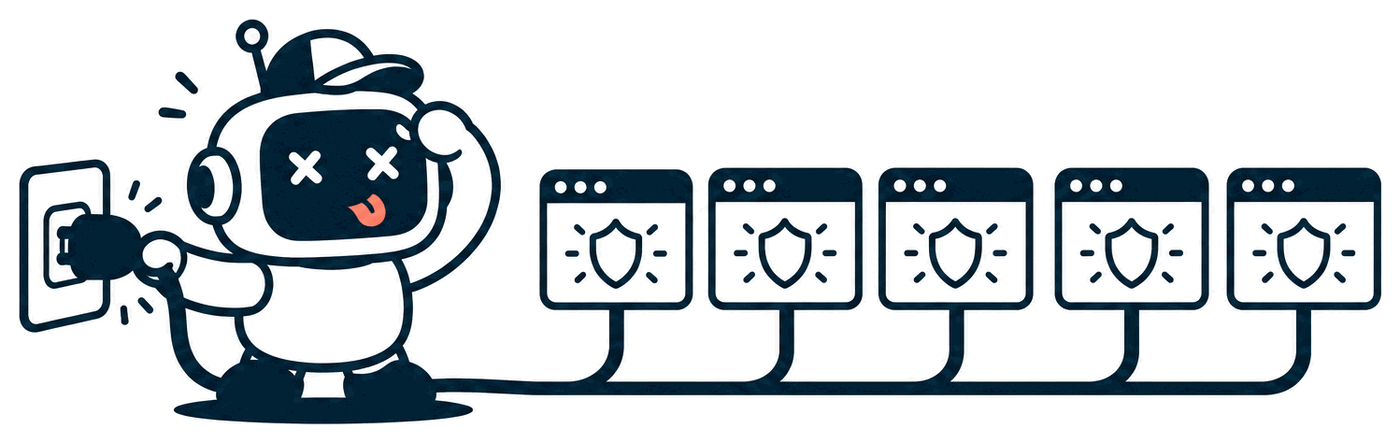
Your next app takes about two minutes. NiceTryBot is already running, so you only repeat steps 2 and 3. Every rule you have already written protects the new app from its first visit.
Follow one visit
What happens to every request, step by step
Choose a visitor, then press Play, or select any step to read it.
Nice Edge
What it does, and what you get from it
| What Nice Edge does | What that means for you |
|---|---|
| Gets and renews the HTTPS certificate for every domain by itself. | Your apps are always served securely, and you never renew a certificate by hand. |
| Records every request to every app in one place. | You can answer "what happened on my app last night?" without adding any logging code. |
| Stops requests for secret and system files such as .env, .git and backups. | A setup mistake on your server cannot leak your passwords and keys to a stranger. |
| Recognises the software behind a request, not only its internet address. | A program that changes its address for every attempt is still recognised as the same program. |
| Checks every request against rules that you can read, and tests new rules against past traffic. | You see what a rule would have caught before it affects any real visitor. |
| Sends suspicious traffic to the gym instead of showing an error. | Attackers learn nothing from being stopped, and real people sent there by mistake can still get through. |
| Bans an address for a set time, then lifts the ban by itself. | A wrong ban corrects itself; nobody is locked out forever. |
| Closes every app behind a maintenance page with one click (the Lockdown add-on). | During an incident, you can stop all traffic first and investigate second. |
| Keeps all of this on your own server. | Your visitors' data is not sent to anyone else. |

The gym
Where suspicious traffic is sent instead of your app
The gym is a separate set of pages that Nice Edge shows to traffic it does not trust. It is called the gym because the only thing a visitor can do there is work.
Why not just block the program?
A block is an instant answer. The program learns within a second that it was detected, changes its address and settings, and tries again. The gym gives no clear answer. The program waits, works, and is recorded, and it cannot tell what gave it away.
What is in it
- Waiting pages, where the wait grows longer each time the same program comes back.
- Puzzles that people solve in a few seconds and programs struggle with (the Captchas add-on).
- Temporary bans, for traffic that is clearly attacking.
- Recording: every step is saved, so the same program is recognised on all of your apps.
What if a real person is sent there?
A person finishes the waiting page or the puzzle in a few seconds and is returned to the page they asked for. You see that it happened in the control panel and can adjust the rule that sent them.
The idea behind it
Make your app expensive to attack
Most attacks are not aimed at you personally. They are run by automated programs that try thousands of websites a day. The people who run those programs pay for servers, internet addresses and time, and they put that money where attacks succeed most cheaply.
So NiceTryBot does more than stop each attempt. It makes every attempt on your apps slow, recorded and unsuccessful. When attacking your apps costs more than it can ever earn, the people running these programs point them at other websites.
The goal is that most of the traffic left on your apps comes from real people.